
Have a Question?

What Every Retirement Village Is Legally Required to Provide, and How the Manager's Portal Helps You Deliver It
INS LifeGuard • July 29, 2026
Most village managers know they need an emergency call system in place. Fewer realise exactly how much the law requires, or that they're already sitting on a tool built to help them meet it.
What Is the Manager's Portal?
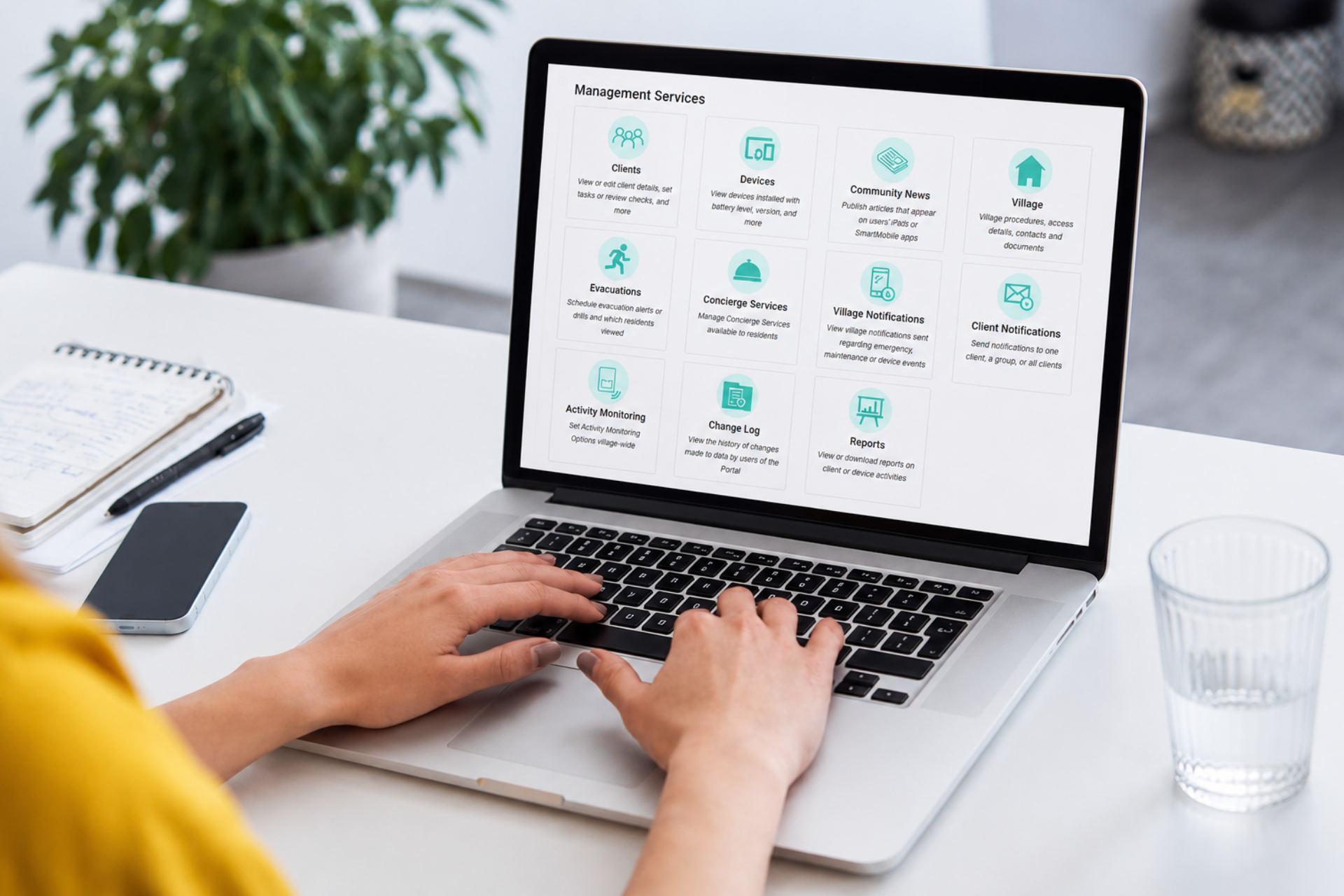
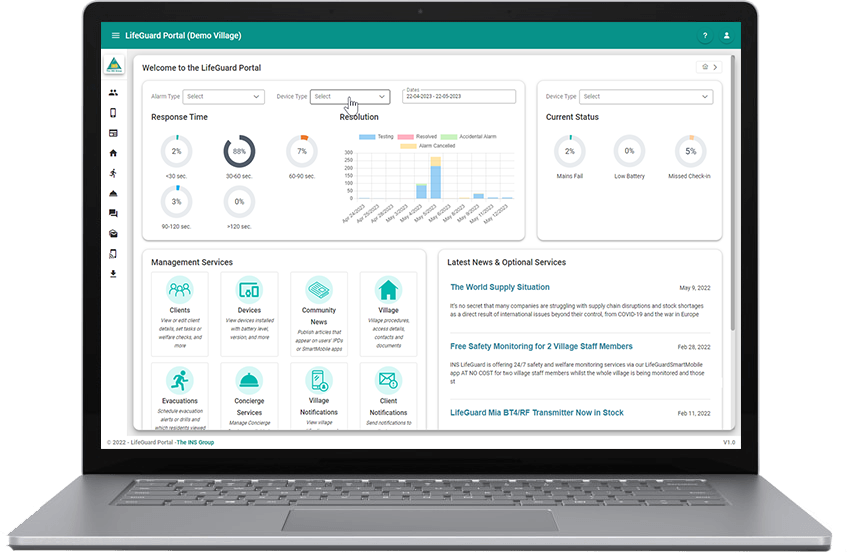
The LifeGuard Manager's Portal is a secure, free online platform that gives village and care organisation managers real-time access to resident information, alarm activity, and emergency response tools, all from one place, on any device. It's how INS LifeGuard connects village staff, family, and care teams around the residents we monitor, and it's central to how villages stay on top of their compliance obligations without extra admin.
What Compliance Actually Requires
Personal alarm monitoring in a retirement village is governed by state-based legislation, such as the Retirement Villages Act 1999 in NSW, alongside national industry standards. At a minimum, village operators must provide a compliant, 24/7 monitored emergency call system in every residential unit and common area, meeting the AS4607 standard, with equipment registered and certified through ACMA/RCM.
AS4607 is INS LifeGuard's own compliance standard, not a legal requirement villages themselves need to meet. What matters for villages is choosing a provider you can trust: one that exceeds AS4607, supplies regulatory-compliant hardware, and is a member of PERSL (the industry association for personal emergency response services), complying with PERSL's guidelines, which in many respects go further than AS4607. INS LifeGuard is also ISO 9001:2015 certified for our Quality Management System. None of this is an absolute legal requirement for villages, but it's the kind of thing that becomes very apparent if something goes wrong.
Beyond the equipment itself, operators carry ongoing responsibilities: annual safety inspections reporting on emergency assistance systems, a clear emergency management plan, and, critically, a full evacuation drill every 12 months. That last one catches a lot of managers by surprise; it's not optional, and it's not something you can tick off informally.
How the Portal Solves for It
This is where the Manager's Portal earns its place, not as a generic admin tool, but as something built directly around what compliance actually demands, and what saves your team real time day to day.

Quick, permission-based client updates.
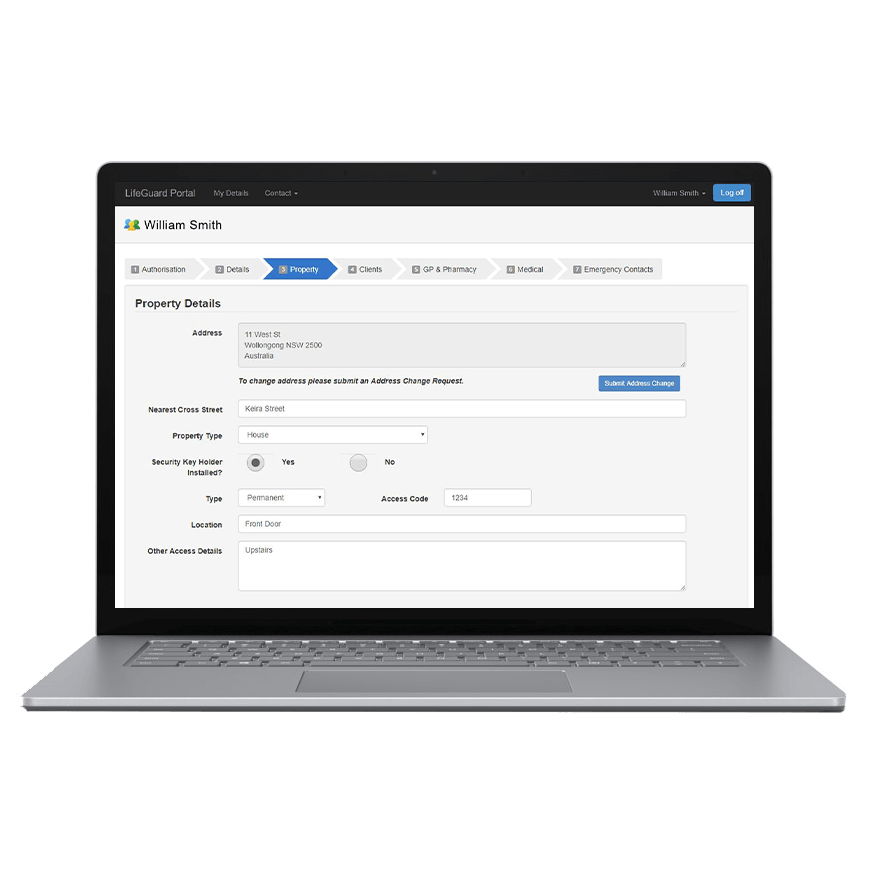
As long as a resident has given permission, village staff can update client info directly in the Portal, cutting out a huge amount of admin back-and-forth. Update resident information directly, or issue pre-formatted Client Information Forms, with changes reflected immediately across the system nurses rely on during an emergency.
Real-time device status.
Check at a glance whether a resident's device is connected. If a dialler hasn't checked in with INS servers within a 26-hour window, whether it's a fault or simply unplugged, it's flagged as a missed check-in, so you know before it becomes a problem.

Village information, all in one place.
Update response procedures, contact details, and access information for emergency services, everything our nurses need to respond correctly, kept current by you rather than relying on outdated notes on file.
Faster escalation, not slower.
Adjust how and when you're notified, by email or SMS, for things like mains power failures or missed check-ins. Left unattended, these are still actioned by INS between alarm calls, but adding a contact to auto notifications means they bypass that queue entirely, so your team hears about it faster than waiting on us to get to it.

Instant evacuation alerts.
Trigger real-time evacuation alerts, for genuine emergencies or scheduled drills, sent to supported in-home systems and the free access to the INS LifeGuardian® app simultaneously. Villages are required to run one drill every 12 months, and the Portal gives you a full report afterwards showing exactly who received the alert and who acknowledged or stopped it, the documentation your compliance obligations actually need.
Residents using the free LifeGuardian® app get more than the alert itself, they can receive an evacuation map directly to their phone (a feature only available through the app), along with push notifications for planned events like scheduled water outages or village activities. All of this comes at no cost to the village or the resident.
Family and Carer Access
Compliance and admin aren't the only people who benefit. Family members and carers can download the free INS LifeGuardian Connect® app to stay in the loop. They'll be notified when an alarm is triggered, and can update client information directly. Premium users can go further, updating medical information, medications, and emergency contacts themselves, keeping the details our nurses rely on accurate without the village having to chase it up.

Reports at Your Fingertips
The Portal gives villages access to three core reports, generated whenever you need them:
- Activations Report — who activated an alarm, and when
- Low Usage Report — which devices haven't been tested recently, or when they were last tested
- Notifications Report — a record of what's been sent, including outcomes like a resident being transported to hospital or the fire brigade being called
Email notifications can be set up and customised by frequency, and assigned by role, so a village manager, maintenance contact, or village nurse can each receive exactly the notifications relevant to them, including medical notifications where appropriate.

SmartHome LGX
- Issue evacuation alerts and drills in real-time
- Easily access real-time reports and actionable data
- Quickly enter and update client/staff details
- Effortlessly update procedures and protocols
- Ability to send messages and notifications via the Manager’s Portal which will be read aloud to residents.
Residents with these alarm systems will have access to our
Client Portal, and their family and carers will be able to use our free
INS LifeGuardian Connect® App to interact with their systems.

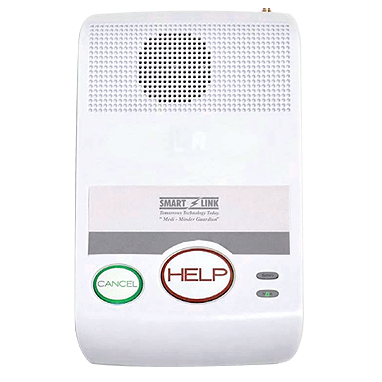
SmartLink Medi Guardian MKII 4G
- Issue evacuation alerts and drills in real-time
- Easily access real-time reports and actionable data
- Quickly enter and update client/staff details
- Effortlessly update procedures and protocols
Residents with these alarm systems will have access to our
Client Portal, and their family and carers will be able to use our free
INS LifeGuardian Connect® App to interact with their systems.
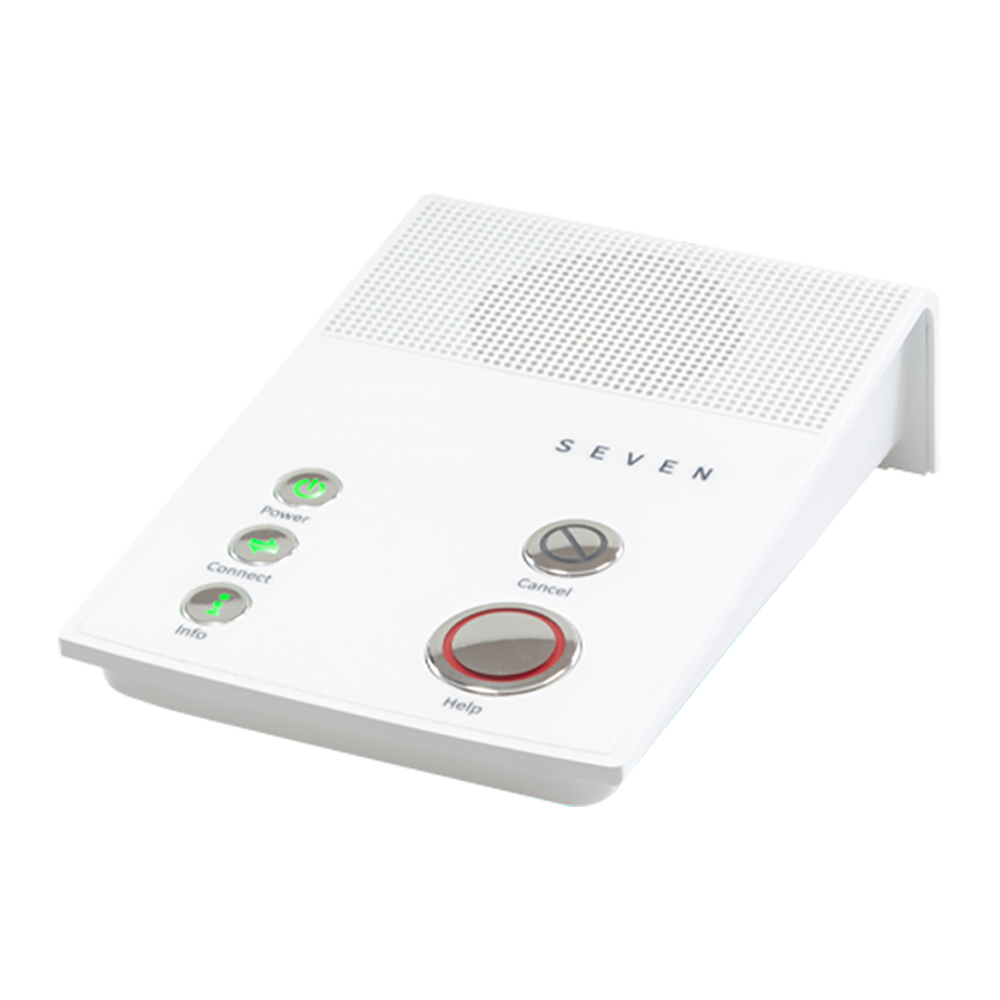
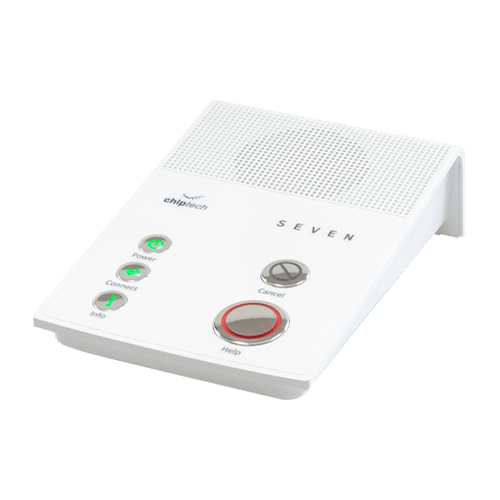
Chiptech SEVEN LE
- Easily access real-time reports and actionable data
- Quickly enter and update client/staff details
- Effortlessly update procedures and protocols
Residents with these alarm systems will have access to our
Client Portal, and their family and carers will be able to use our free
INS LifeGuardian Connect® App to interact with their systems.
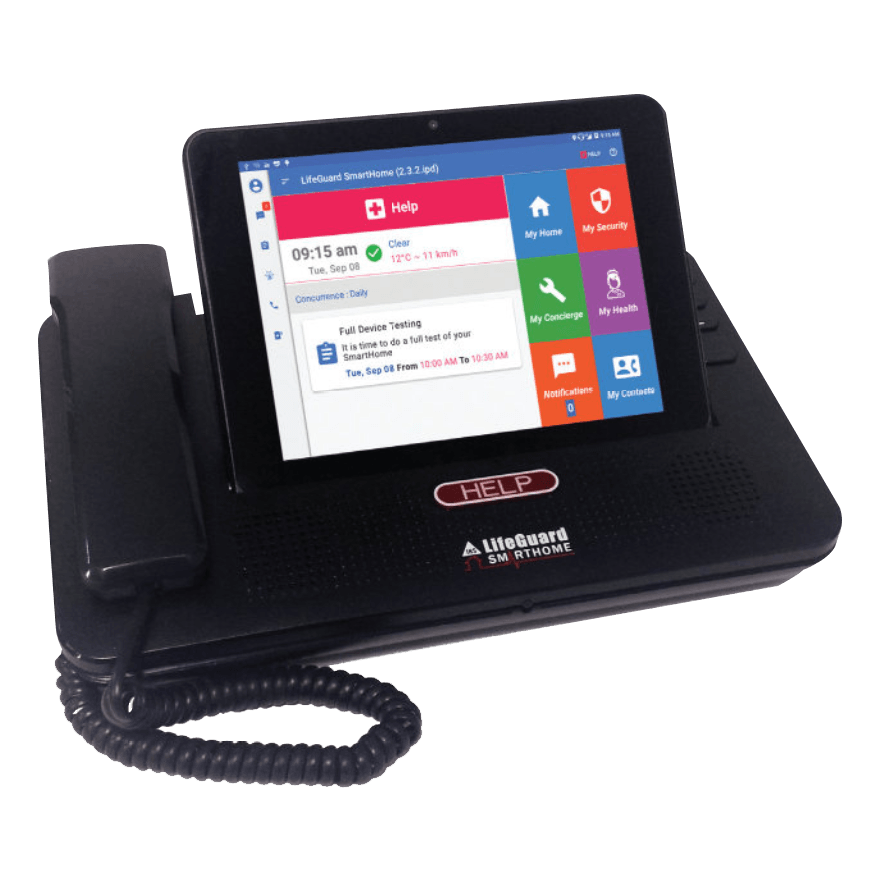
SmartHome IPD
- Issue evacuation alerts and drills in real-time
- Easily access real-time reports and actionable data
- Quickly enter and update client/staff details
- Effortlessly update procedures and protocols
- Offer a concierge service
- Provide TeleHealth services
- Set up tasks and reminders in one place for individuals or groups
- Broadcast messages to individuals or groups

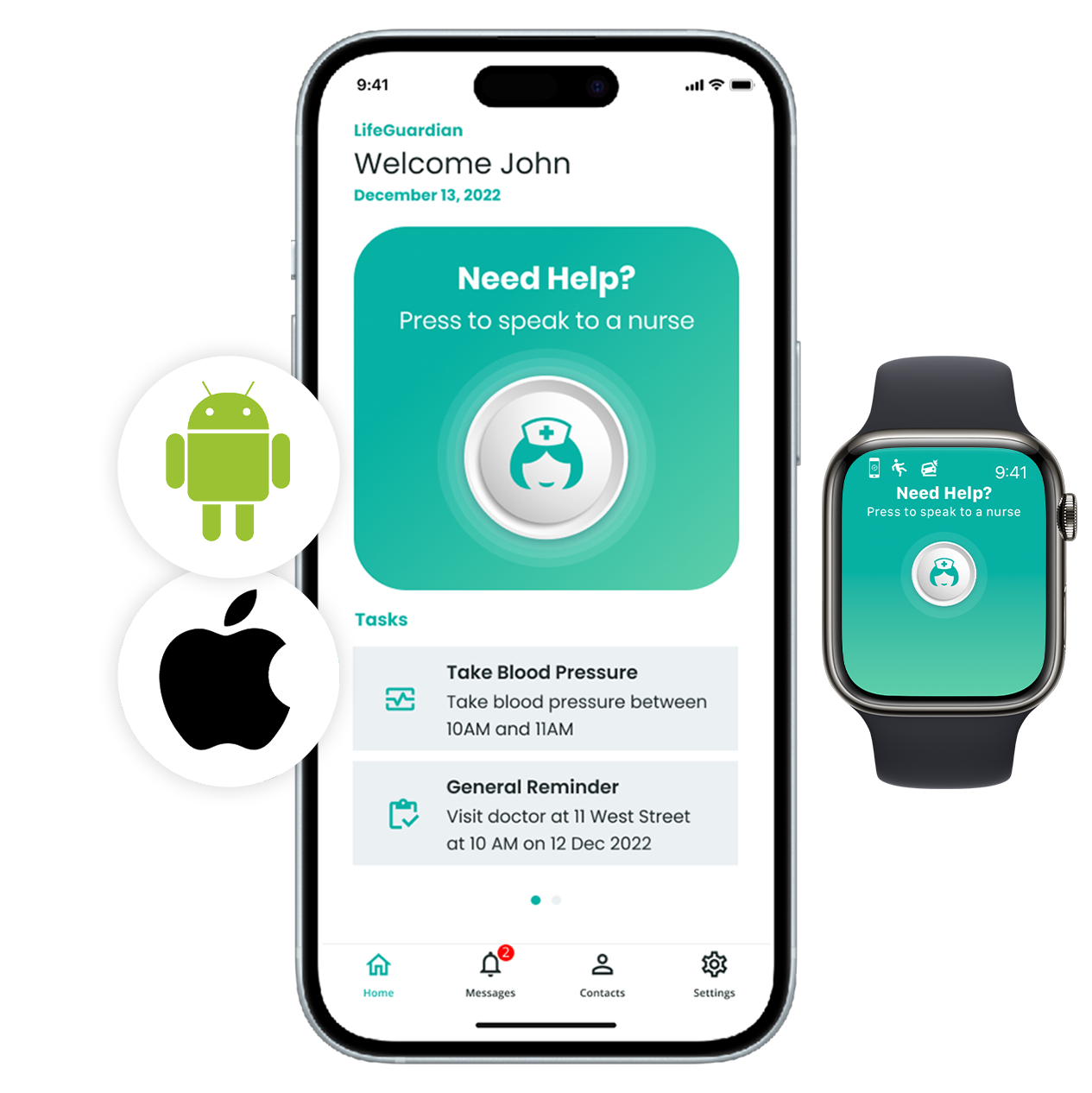
INS LifeGuardian® App
- Easily access real-time reports and actionable data
- Quickly enter and update client/staff details
- Effortlessly update procedures and protocols
- Issue evacuation alerts in real-time
- Set up tasks and reminders in one place*
- Distribute communications more efficiently
- Offer concierge services (automated service and white-labelled service)
- Broadcast messages to individuals or groups
- Set up super users with access to multiple sites
- Provide TeleHealth services on your own
*Currently in development
Residents with this in-home and on-the-go alarm system will have access to our
Client Portal, and their family and carers can interact using our free
INS LifeGuardian Connect® App.
Connected Care
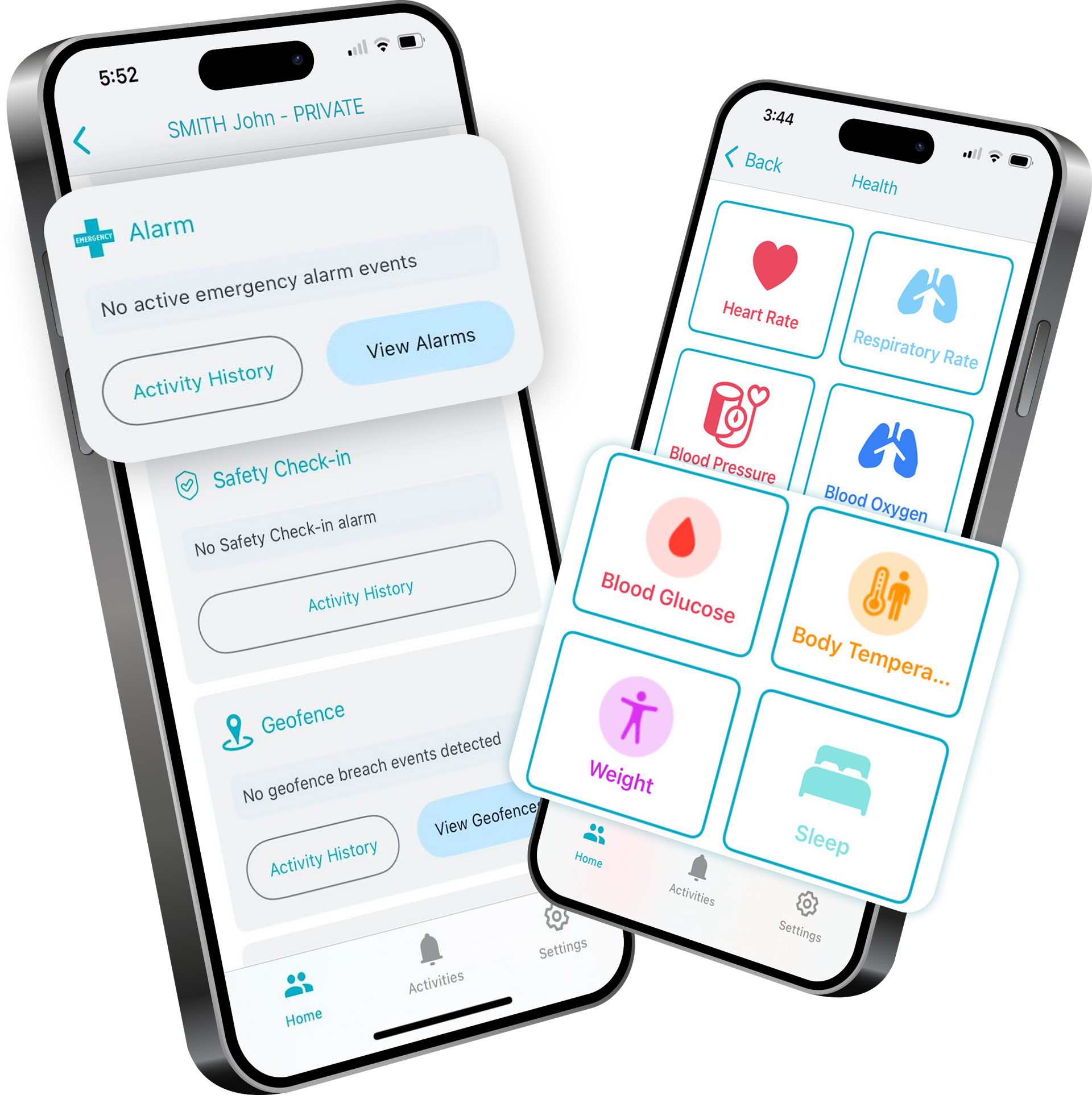
Our secure, web-based Client and Manager's Portals are very helpful tools for clients’ families, carers and village managers, allowing them to log in via a secure web portal to view or change information. For those who would prefer to use a mobile app, the INS LifeGuardian Connect® app is an alternative of the current web portal features. This app is available for download via Google Play or the App Store (iOS version requires iOS 13 or higher) via the QR codes here.
Key Features of the LifeGuard Manager’s Portal in Detail
| Feature | SmartHome LGX | SmartHome IP Dialler | SmartLink Medi Guardian MKII 4G | Chiptech SEVEN LE | INS LifeGuardian® App |
|---|---|---|---|---|---|
| Product Image | 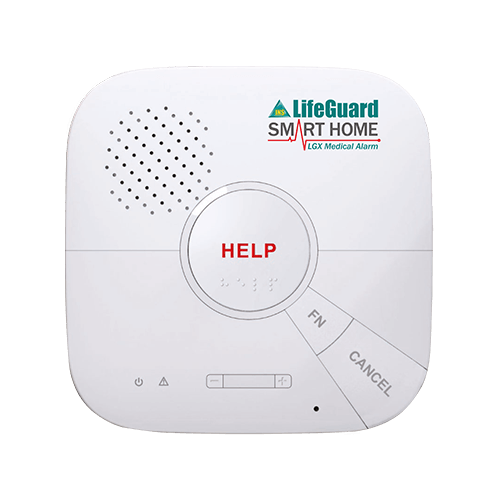 |
 |
 |
 |
 |
| Easily access real-time reports and actionable data Access real-time reports about alarm activity for a specific date range. This can be useful for gaining insights into resident/client behaviour and making adjustments to the plan of care so you can improve health outcomes. The reports that can be accessed include Low Usage (alarms that haven’t been triggered in 30 days or more) and Activations (alarms that have been activated, including client name*, alarm type and triggering device). |  |
|
|
|
|
| Quickly enter and update client*/staff details Enter client details directly into the portal, or print out a pre-formatted Client Information Form for the client to fill out and then send it to us. Staff contact details can also be updated when needed. Both client and staff information can be updated at any time from the portal. | |
|
|
|
|
| Effortlessly update procedures and protocols Update village procedures and protocols, including instructions for the INS, straight from the portal. This gives you the ability to easily comply with any changes to Government regulations and also lets you establish new rules when needed. You can also set how you wish to be notified of events involving the clients. | |
|
|
|
|
| Issue evacuation alerts in real-time From the LifeGuard Manager’s Portal, you can issue evacuation alerts to all residents/clients in real time. This saves you the trouble of calling your residents/clients one by one when there’s an emergency. | |
|
|
|
|
| Set up tasks and reminders in one place Conveniently set up reminders for medications, appointments and to-do tasks for an individual client, a specific group of residents, or all residents/clients. This helps you to ensure that your clients stay on top of their health and wellbeing. | |
|
|
||
| Distribute communications more efficiently Broadcast information efficiently to an individual client, a specific group of residents, or all residents/clients. You can send anything from messages, newsletters and company information to podcasts and video links. Streamlining the flow of information from you to your residents/clients will allow you to focus on results, not processes. | |
|
|
||
| My Concierge – automated service The automated system sends (via email) a client’s service request to a nominated staff member who is responsible for arranging the requested services. Services that can be arranged include, but are not limited to, plumbing, electrical, landscaping, transport, nursing care, and social support. If required, a fee can be set for each type of service request straight from the portal. | |
|
|||
| My Concierge – white-labelled service Our white-labelled concierge service is a cost-effective way for you to provide your clients with high-quality, personalised support for service requests. For a nominal fee, we will answer service requests using your organisation’s branding and arrange requested services for your clients. | |
|
|||
| Set up Super Users with access to multiple sites Set up Super User accounts with global access to several or all sites, as well as individual users within each site. A Super User has the ability to execute many important tasks (e.g., distributing communications, managing concierge services, and more) across one, multiple or all sites. | |
|
|||
| Provide TeleHealth services on your own The LifeGuard Manager’s Portal has a Platinum only feature that gives you the ability to provide your own TeleHealth services using existing LifeGuard SmartHome IPDs, with your own clinical staff responsible for providing the services. By having your own TeleHealth service you can provide the level and quality of healthcare that your clients deserve. | |
|
* Subject to client privacy consent
Access That Matches Your Team
Not every staff member needs the same level of Portal access. Several villages asked for the ability to set permissions by role, so the Portal supports role-based access across six user types:
- Village Super — can view the dashboard, clients, devices and reports across all villages, or focus on one
- Village Manager — full access to the specific village they manage
- Village Staff — can access and update village procedures and the information our team uses when responding to resident alarms
- Village Maintenance — a limited Dashboard view showing only device status and a basic client list (address and phone number); cannot edit client information or manage notifications, tasks, reminders or activity monitoring
- Group Manager — access to and management of group procedures and the information our team uses when responding to client alarms, for care organisations
- Care Manager — restricted to information on the specific clients they manage
*Village Super can view dashboard, clients, devices and reports across all or one village.
†Village Staff/Maintenance can view the client list, but no access to other client options.
**Access to Devices can be denied to any user, upon request.
‡Ability to view or edit client's personal information, including health data, requires client permission.
To request changes to user roles for your staff, contact INS LifeGuard.
The Real Point of Difference
This depth of compliance-supporting access is included at no cost. We're not aware of another provider offering this breadth of Portal access for free, some charge for portal access altogether.
Getting Started
All features of the Manager's Portal are included as part of your INS LifeGuard monitoring service, at no additional cost.
Already an INS LifeGuard village? Get your team up to speed with a free Portal Training session, so there's no learning curve standing between your staff and using the system properly.
Not yet with INS LifeGuard? The Manager's Portal is included as part of our 24/7 personal alarm monitoring service. Book a meeting with our Business Development team to find out how nurse-led monitoring and the Portal work together for your village, including how it supports the compliance obligations covered in this article.
Related Articles
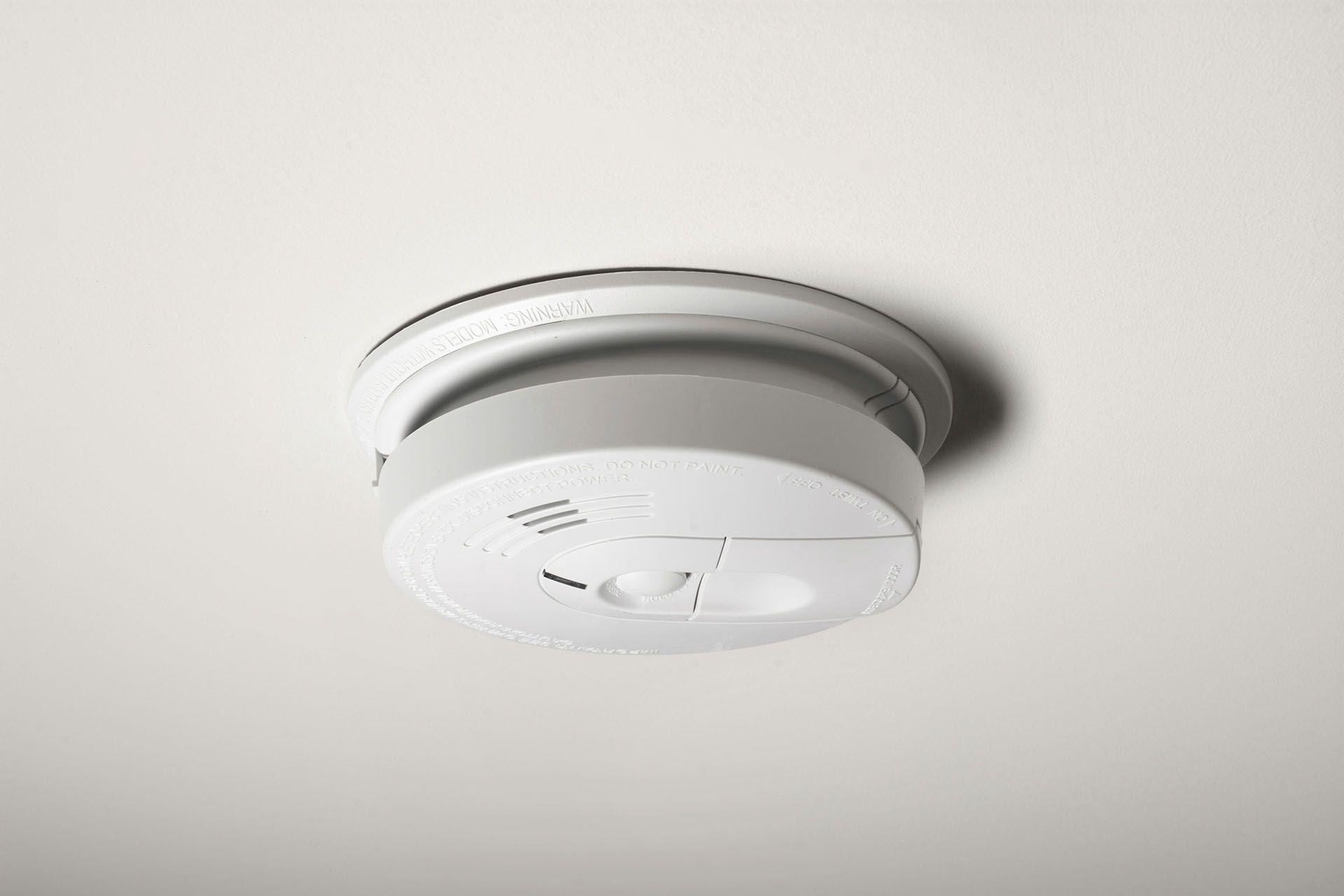
What interconnected smoke alarm rules mean for your home, including Queensland's 2027 deadline, and how a monitored smoke detector adds 24/7 protection.
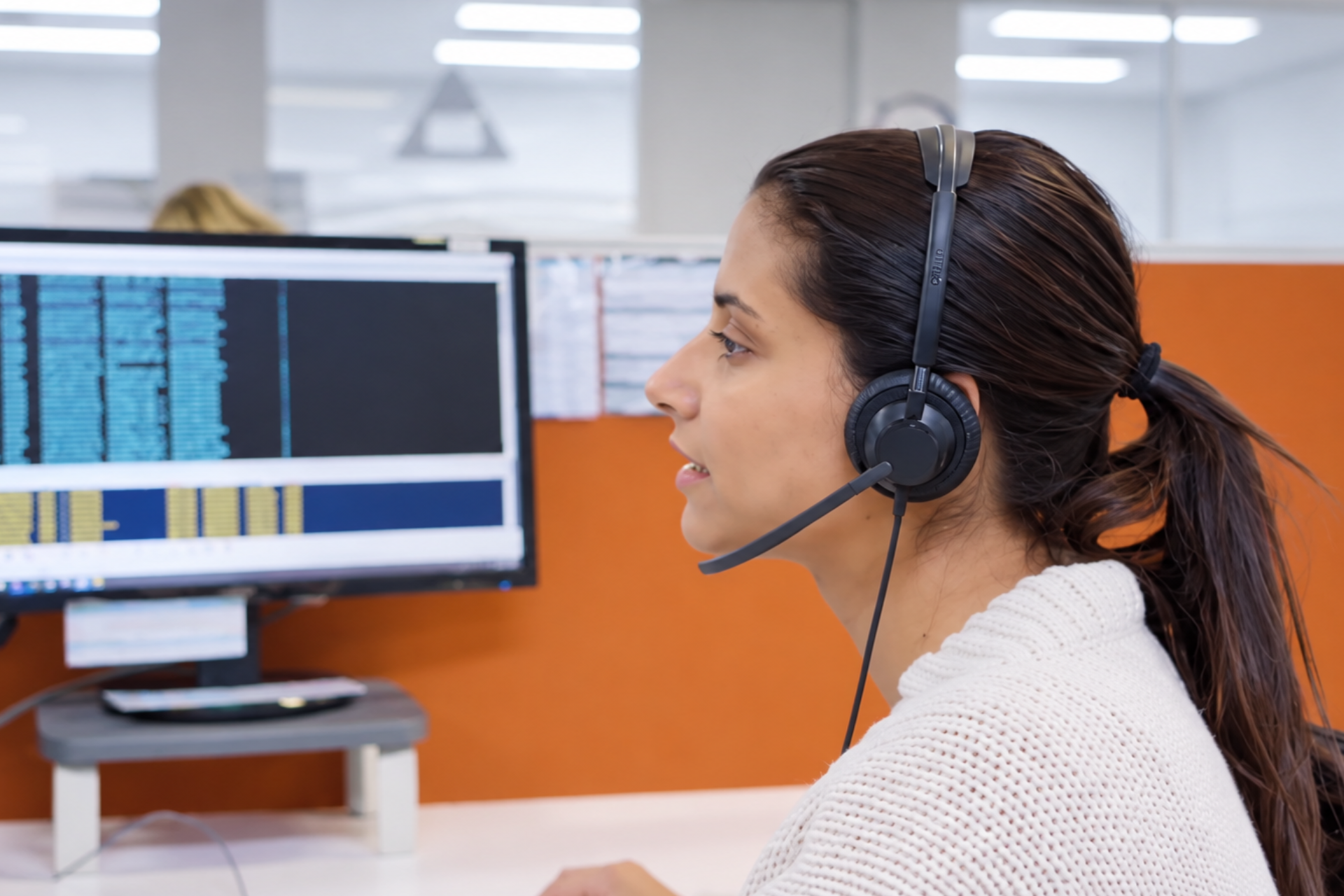
Already have a personal alarm? INS LifeGuard can monitor most alarms, including other providers', with 24/7 nurse-led support. Check if yours can connect.

Find out who qualifies for the Commonwealth Seniors Health Card, the current income limits, the benefits and how to apply in Australia.
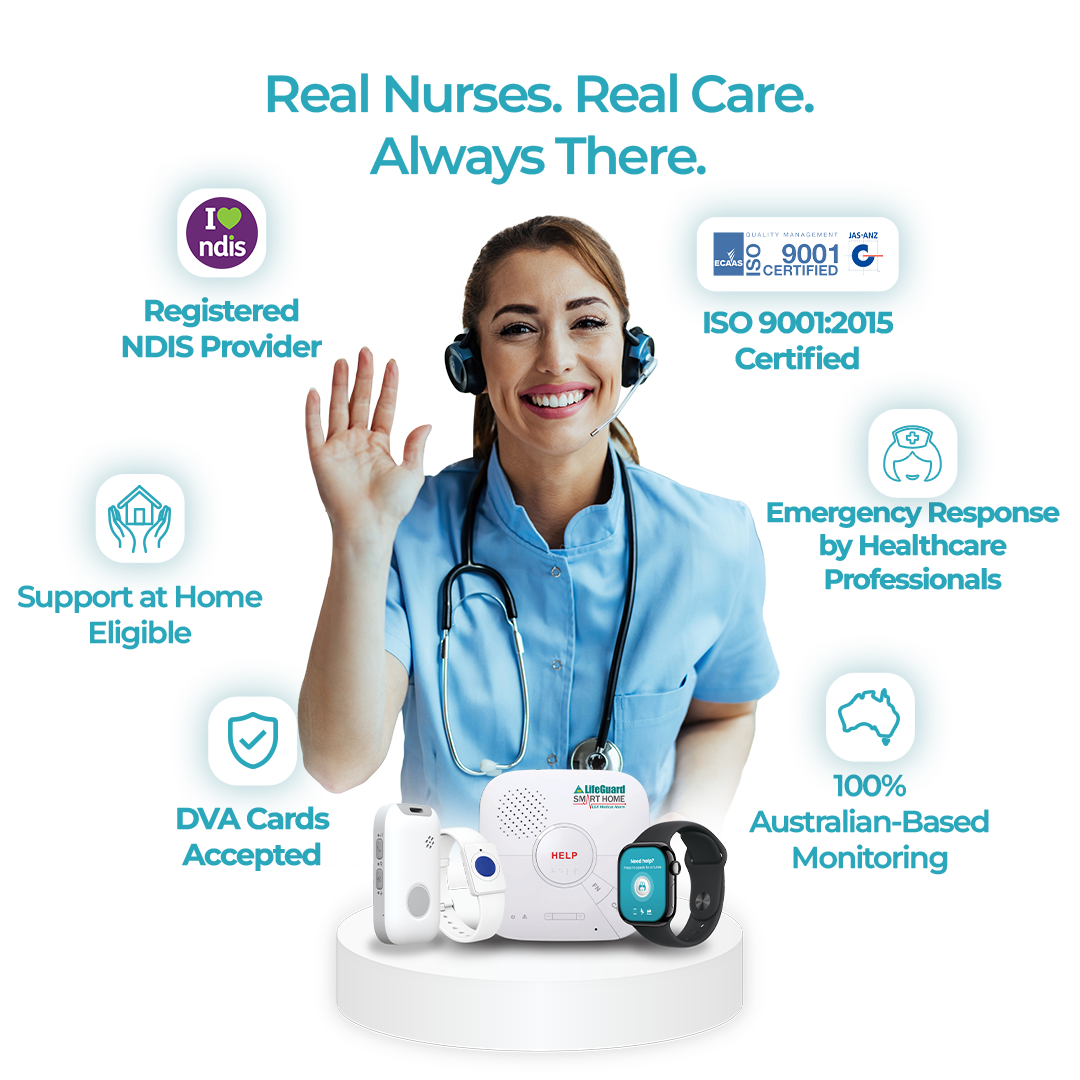
About
INS LifeGuard is the only 24/7 nurse on-call personal and medical monitoring in Australia. We provide monitoring technology for both in the home and on the go and can also monitor other provider's equipment. Our services are suitable for anyone wanting support to stay independent such as the elderly, those with medical conditions and disabilities plus enhancing safety and security for lone workers.